
How to Use DMX Lighting Consoles for Professional Stage Shows
Using a DMX lighting console effectively is one of the most important skills in professional stage production. While the hardware provides control capabilities, it is the operator’s understanding of DMX systems that determines how well the lighting performs.
For professional buyers and operators, mastering how to use a dmx lighting console ensures efficient operation and high-quality lighting results.
Basic Workflow of Using a DMX Lighting Console
The process begins with system setup, including connecting fixtures and assigning DMX addresses. Once the system is connected, fixtures are patched into the console, allowing the operator to control them.
After patching, the next step is programming. Operators create cues that define lighting behavior. These cues are organized into sequences that match the performance.
Setting Up DMX Addressing and Patching
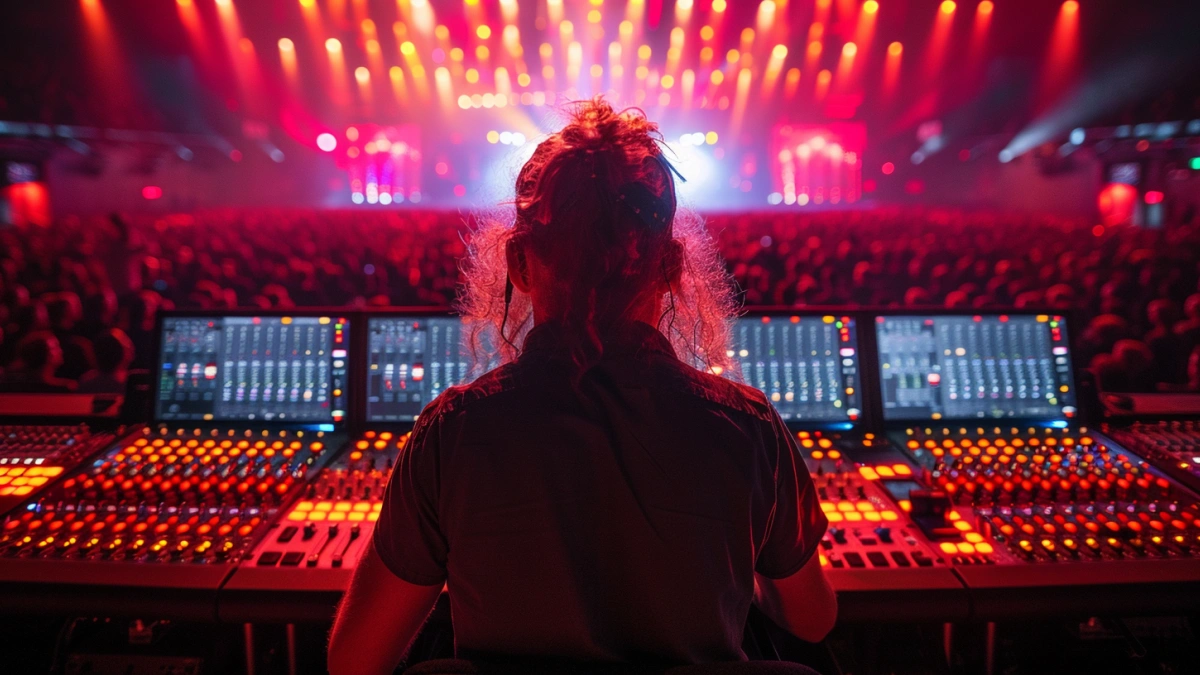
Each fixture must be assigned a unique DMX address. This ensures that the console can control each device independently.
Fixtures such as concert moving head light units are patched into the console with their correct channel profiles. wash moving head fixtures are grouped for efficient control.
Proper patching is essential for smooth operation and accurate control.
Programming Lighting Cues for Live Shows
Programming is where the creative aspect of lighting comes into play. Operators create cues that define how lighting changes during a performance.
For example, a cue may involve dimming lights during an intro, followed by dynamic movement using beam fixtures during the main performance. concert strobe light systems may be used to emphasize key moments.
Advanced effects can also be created using concert laser light systems.
Real-Time Operation During Performances
During a live show, operators use the console to trigger cues and make adjustments. This requires quick decision-making and familiarity with the system.
Real-time control allows operators to adapt to changes in the performance, ensuring smooth execution.
Common Mistakes and How to Avoid Them
Common mistakes include incorrect addressing, poor cue organization, and lack of preparation. These issues can disrupt the performance and reduce lighting quality.
Proper planning, testing, and practice are essential to avoid these problems.
What Buyers Should Consider
Buyers should consider ease of use, system compatibility, and scalability when selecting DMX consoles. A well-designed system improves efficiency and performance.
FAQs
How to start using a DMX console?
Set up fixtures, assign addresses, and patch them into the console.
What is patching?
Connecting fixtures to console channels.
How are cues created?
By programming lighting behaviors.
What is the biggest challenge?
Managing complex systems efficiently.
For system understanding, see DMX lighting console guide.