
How to Design Church Stage Lighting for Live Streaming Setup
Live streaming has become a core part of modern worship production, but many churches quickly discover that lighting designed for in-person services often performs poorly on camera. Faces become overexposed, backgrounds appear dark, colors look inconsistent, and the overall image feels flat and unprofessional.
The problem is not always the camera — in most cases, the lighting system was never designed for streaming.
If your church is planning or upgrading a church stage lighting systems setup for online worship, this guide explains how professional churches build lighting systems that work effectively both in person and on video.
Why Live Streaming Requires a Different Lighting Design
Human eyes and cameras respond to light very differently.
A stage that looks comfortable in person may appear:
- Too dark on video
- Overexposed in key areas
- Flat and lacking depth
- Inconsistent in skin tones
Common mistake: increasing brightness to “fix” streaming quality.
Real solution: redesign lighting structure specifically for cameras.
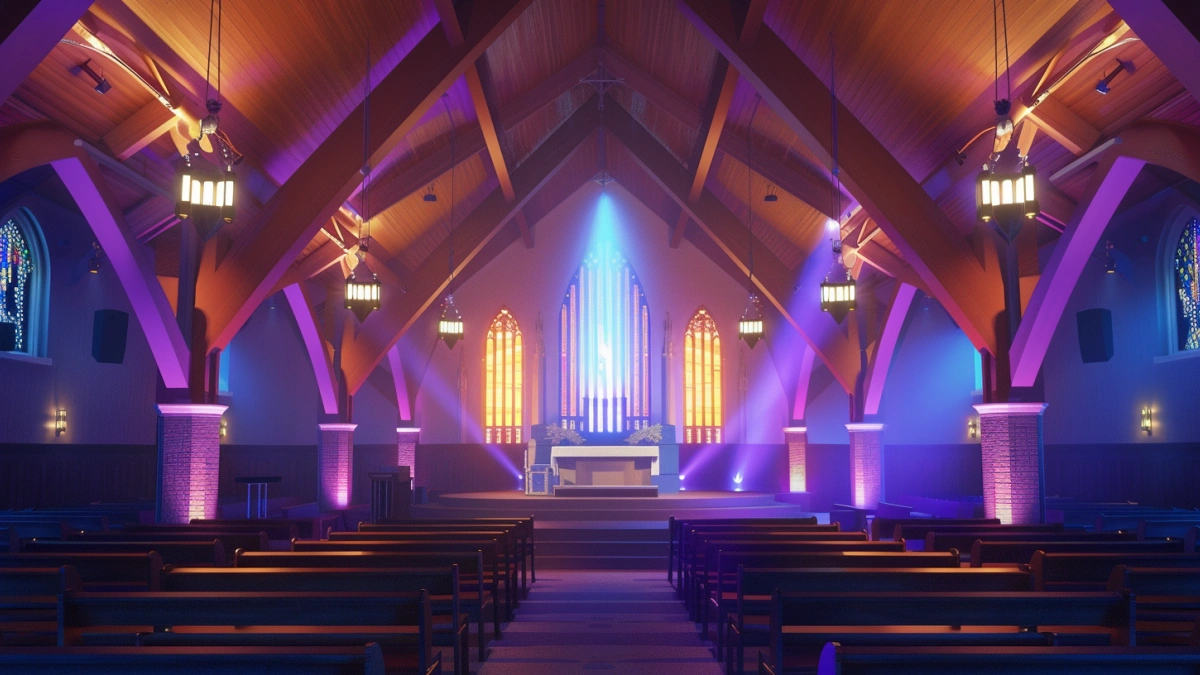
The 5-Layer Lighting Structure for Church Streaming
Professional streaming setups usually follow a layered design approach.
1. Key Lighting (Primary Visibility Layer)
This is the most important lighting layer for streaming.
Best practices:
- Use soft front lighting
- Install at 30°–45° angles
- Balance brightness evenly across faces
Poor key lighting is the main reason churches struggle with low-quality video.
2. Fill Lighting (Shadow Control Layer)
Fill lighting softens harsh shadows created by key lights.
Result:
- More natural facial appearance
- Better camera balance
- Reduced contrast issues
3. Wash Lighting (Stage Coverage Layer)
Fixtures such as wash moving head provide balanced stage coverage.
Common issue: uneven wash coverage causing visible hot spots on camera.
Fix: overlap beam angles instead of isolating fixtures.
4. Background Lighting (Depth Layer)
Cameras flatten visual depth, so background lighting becomes extremely important.
Best practices:
- Use soft wall wash lighting
- Create color separation between subjects and background
- Avoid over-bright backgrounds
5. Atmosphere Lighting (Creative Layer)
Subtle atmosphere lighting improves visual engagement during worship music.
Fixtures like concert moving head light can create controlled movement and visual texture.
Important: movement should support worship, not distract viewers.
Color Temperature and Camera Performance
Color temperature consistency is one of the most overlooked areas in church streaming.
Problems caused by inconsistent color temperatures:
- Unnatural skin tones
- Difficulty balancing cameras
- Inconsistent visual appearance
Professional recommendation:
- Use consistent white balance across fixtures
- Avoid mixing warm and cool front lights randomly
- Test color output directly through streaming cameras
Lighting Setup Recommendations by Church Size
Small Church Streaming Setup
- 4–6 wash fixtures
- 2–4 front lights
- Simple background lighting
Focus: clear visibility and balanced exposure
Medium Church Streaming Setup
- 8–12 wash fixtures
- 4–6 front lights
- Layered background lighting
Focus: balanced production quality
Large Church Streaming Setup
- 12–20 wash fixtures
- 6–10 front lights
- Advanced atmosphere and programming layers
Focus: immersive streaming experience
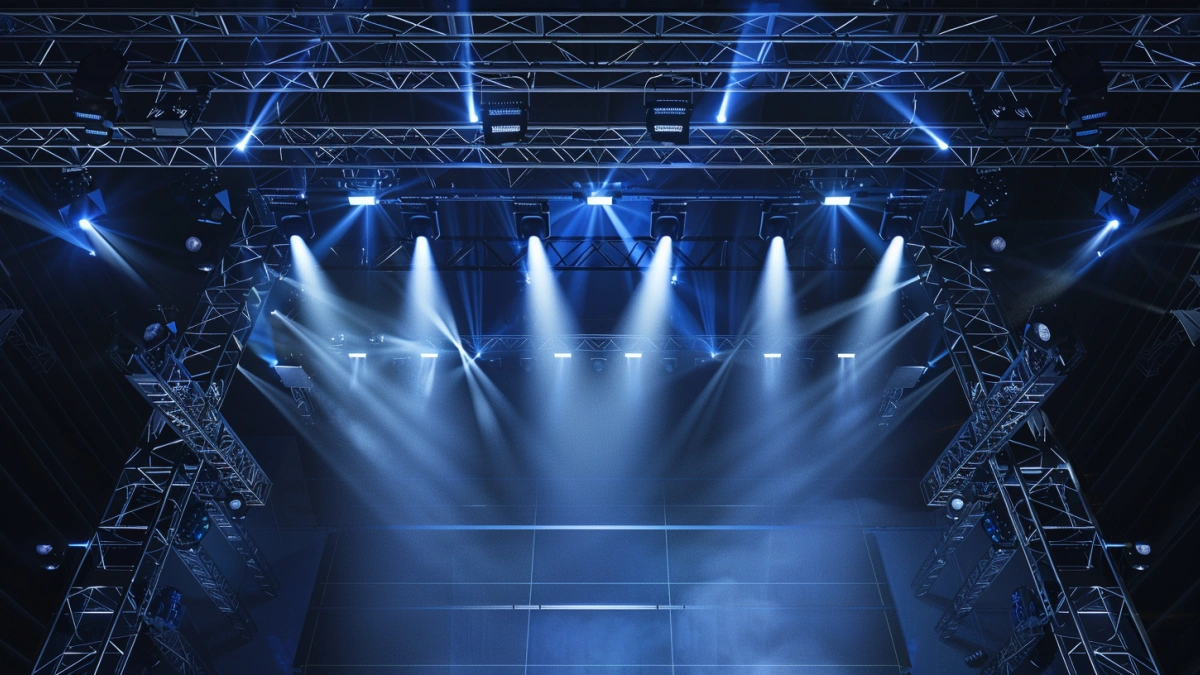
Most Common Church Streaming Lighting Problems
1. Faces Too Bright on Camera
Cause: direct harsh front lighting
Fix: soften intensity and adjust beam angles
2. Dark Backgrounds
Cause: no dedicated backdrop lighting
Fix: add wall wash or gradient background lighting
3. Flat Video Image
Cause: lack of depth lighting
Fix: add backlighting and side lighting
4. Flickering on Camera
Cause: incompatible LED fixtures or poor dimming
Fix: use flicker-free fixtures designed for video environments
How Professional Churches Build Streaming-Friendly Lighting Systems
Churches with high-quality streaming systems usually follow these principles:
- Design lighting specifically for cameras
- Use layered lighting structure
- Create repeatable presets for volunteers
- Balance atmosphere with visibility
This creates consistent worship production quality every week.
Equipment Planning Strategy (Avoid Expensive Mistakes)
Many churches overspend on effect lighting while neglecting the lighting layers that actually improve streaming quality.
Better strategy:
- Prioritize key and wash lighting first
- Add depth lighting before effects
- Choose scalable control systems
Additional fixtures such as concert strobe light should only be used carefully during high-energy worship moments.
👉 Design a Church Lighting System That Works on Camera
The best streaming lighting systems are not the most complex ones — they are the most balanced and intentional.
Focus on:
- Soft and even front lighting
- Consistent color temperature
- Background depth and separation
- Simple and repeatable control workflows
If your church is also planning hardware upgrades, this guide explains the best fixture choices in detail: church lighting design guide .
FAQs
Why does church lighting look bad on camera?
Because lighting designed for people often does not work well for cameras.
What is the most important light for streaming?
Soft front key lighting.
How do churches improve video quality?
By balancing lighting layers and camera exposure.
What causes flickering on video?
Incompatible LED fixtures and poor dimming systems.
Should churches use moving lights for streaming?
Yes, but only subtly and with purpose.
What is the biggest streaming lighting mistake?
Using harsh front lighting without depth layers.