
Professional Lighting Console Setup for Live Events and Shows
Setting up a professional lighting console system is one of the most important steps in building a reliable stage lighting environment. A well-configured console setup ensures that all lighting fixtures operate smoothly, respond accurately, and deliver consistent performance during live events.
For professional buyers, understanding how to build a professional lighting console setup is essential for achieving both technical reliability and creative flexibility in live productions.
Understanding Console Setup in Live Productions
A lighting console setup involves more than connecting a console to fixtures. It includes system planning, DMX addressing, signal distribution, and programming. Each of these elements plays a critical role in ensuring smooth operation.
In live events, the console must be capable of handling real-time adjustments while maintaining stability. This requires a well-designed system architecture.
Step-by-Step Lighting Console Setup Structure
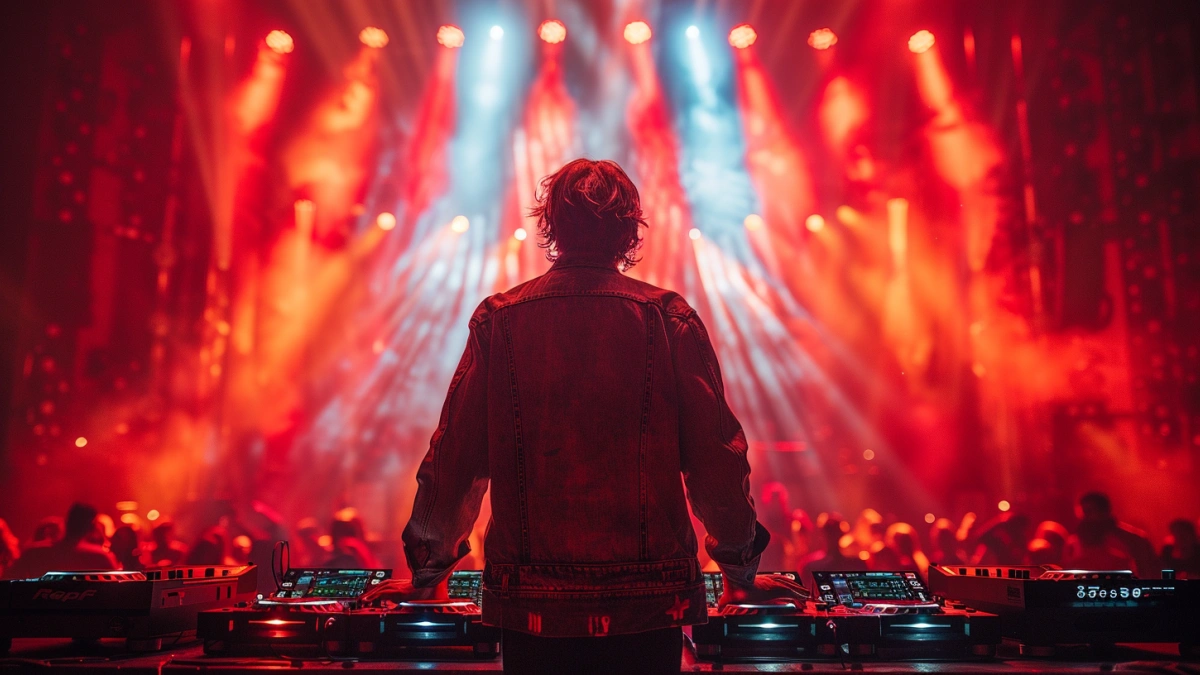
A typical setup begins with connecting the console to DMX or network distribution systems. These systems distribute signals to lighting fixtures across the stage.
Fixtures such as concert moving head light units are assigned DMX addresses and grouped according to function. wash moving head fixtures are used for coverage, while concert strobe light systems provide impact effects.
Proper cable management and signal routing are essential to ensure reliable communication.
Example Console Setup for Live Shows
A typical live event setup may include one main console and one backup system for redundancy. The system may control 50–120 fixtures distributed across multiple DMX universes.
Beam fixtures are used for dynamic effects, wash fixtures provide base lighting, and concert laser light systems add visual impact.
This setup allows operators to create complex lighting sequences while maintaining system stability.
Programming and Operation Workflow
After setup, programming begins. Operators create cues that define how lighting behaves during the event. These cues are organized into sequences that match the structure of the performance.
During the event, operators use the console to trigger cues and make real-time adjustments. This requires both technical knowledge and experience.
Common Setup Mistakes
One common mistake is incorrect DMX addressing, which can lead to fixture conflicts. Another issue is insufficient signal distribution, which can cause communication failures.
Proper planning and testing are essential to avoid these problems.
Buyer Considerations
Buyers should consider system scalability, ease of setup, and reliability. A well-designed system reduces setup time and improves performance.
FAQs
How to set up a lighting console for events?
Connect the console, assign DMX addresses, and program cues.
What is DMX addressing?
Assigning control channels to fixtures.
Why is redundancy important?
It ensures system reliability during live events.
What should buyers consider?
Reliability and scalability.
For system understanding, see stage lighting console systems.